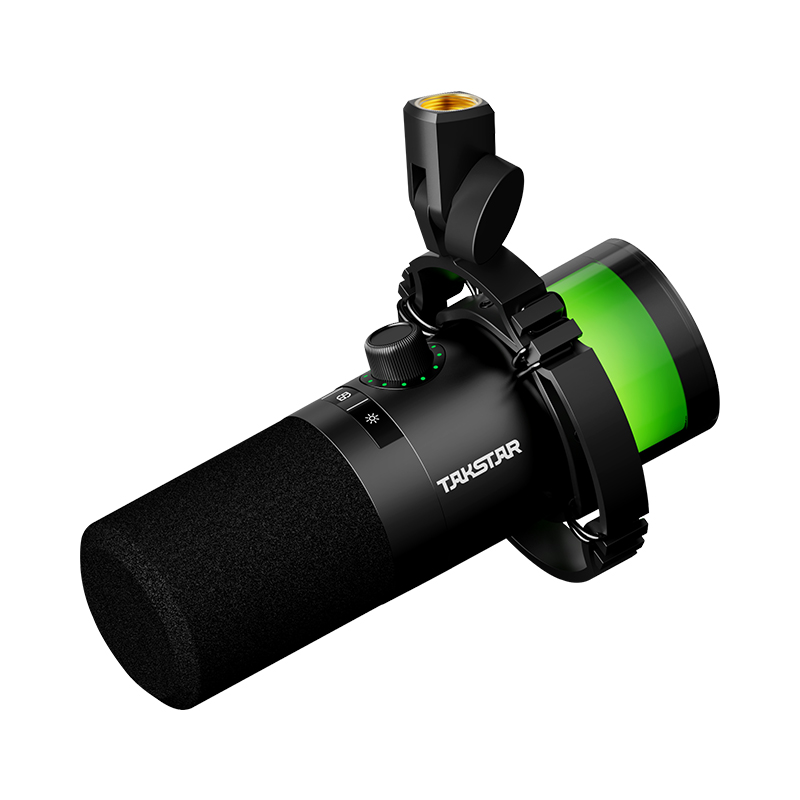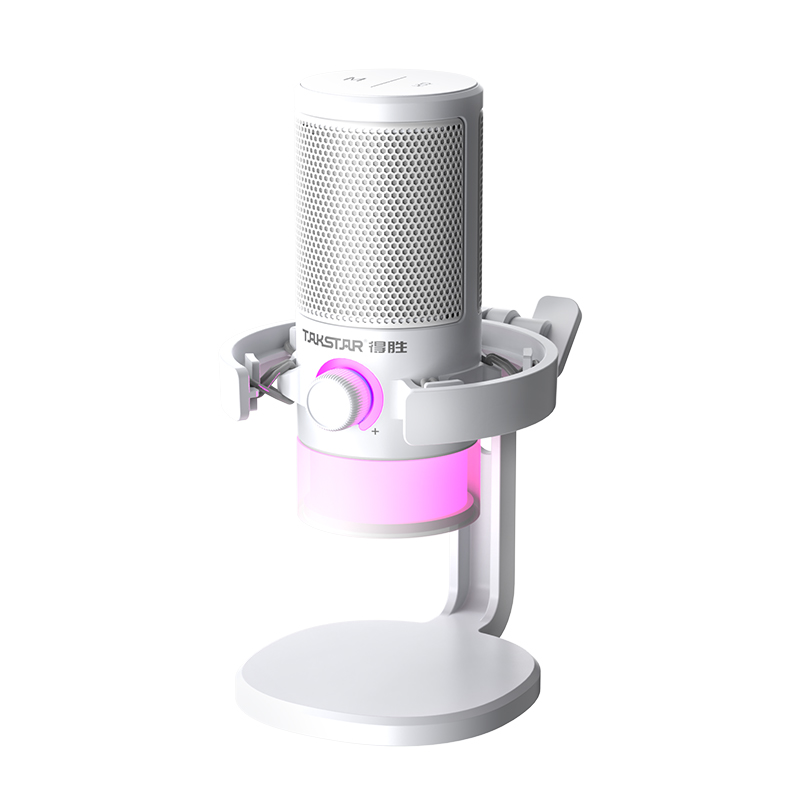
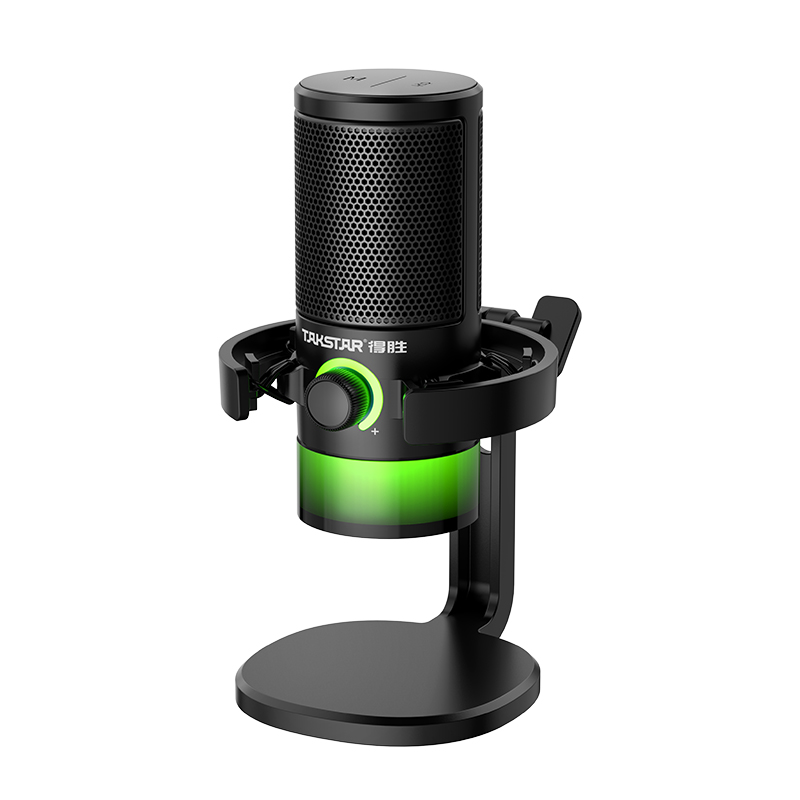
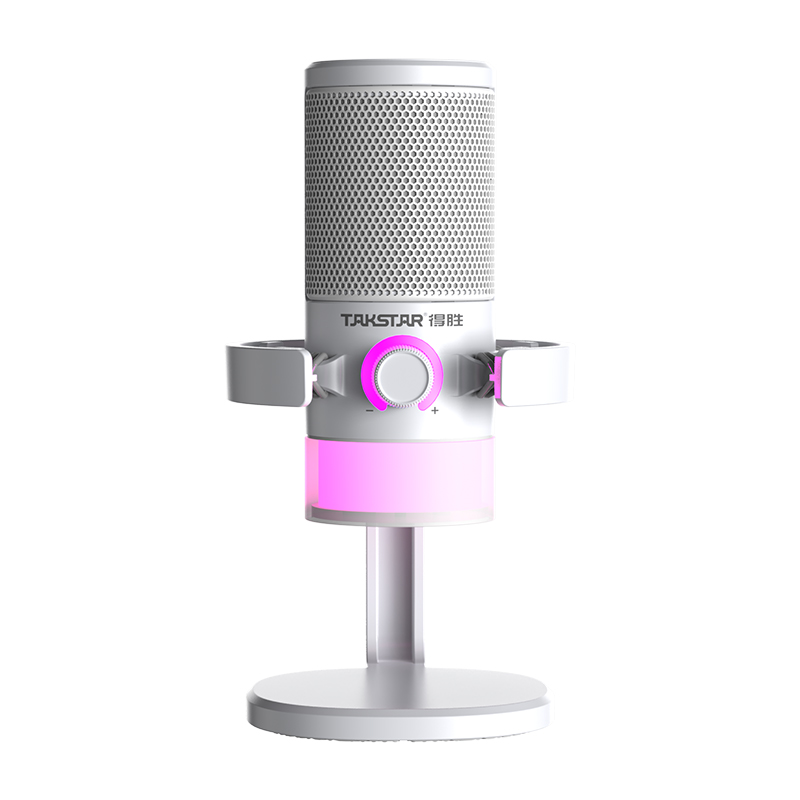
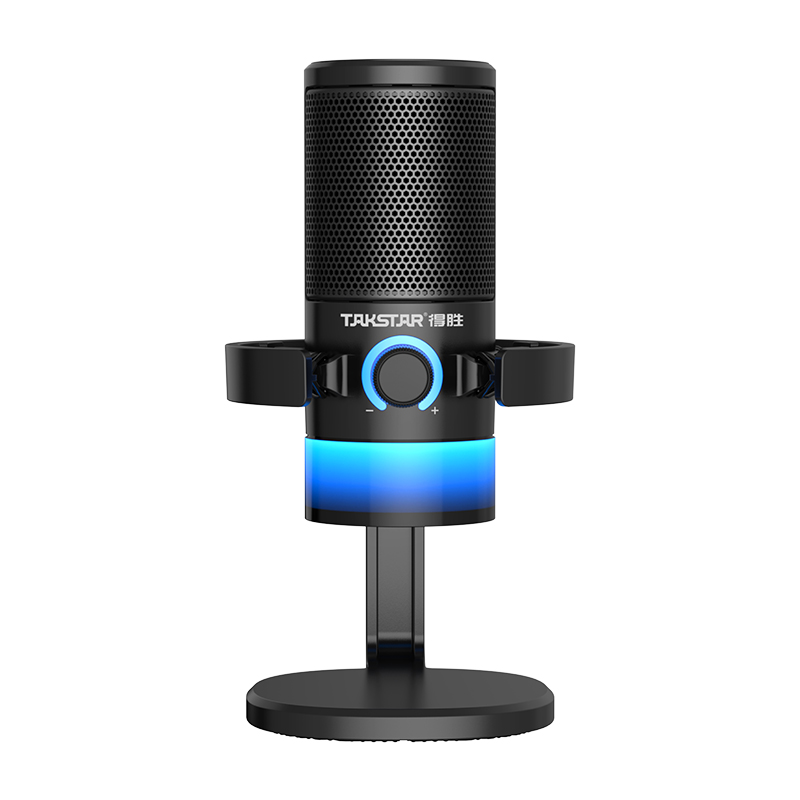
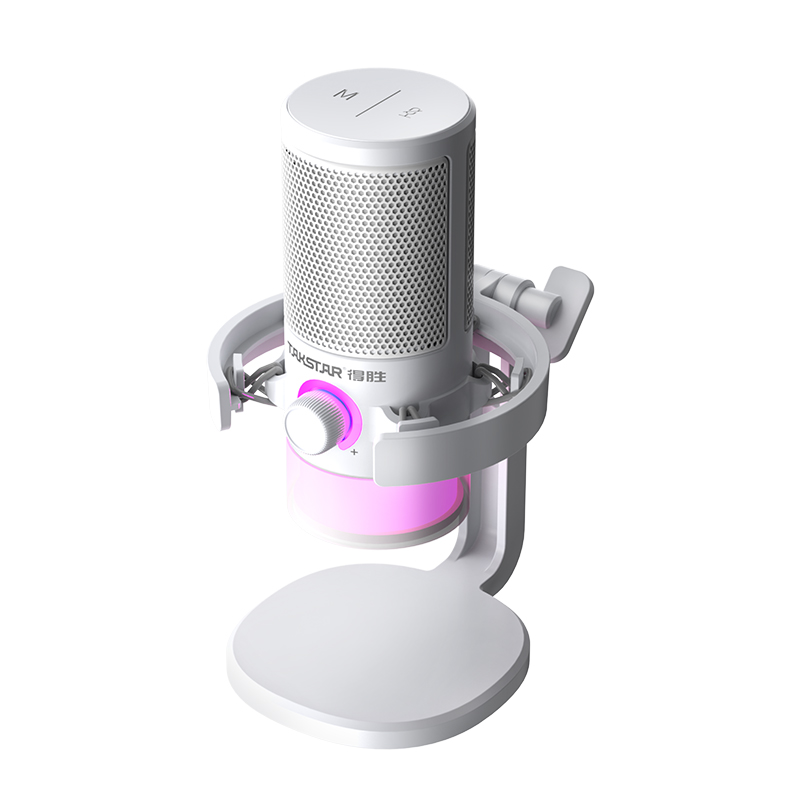
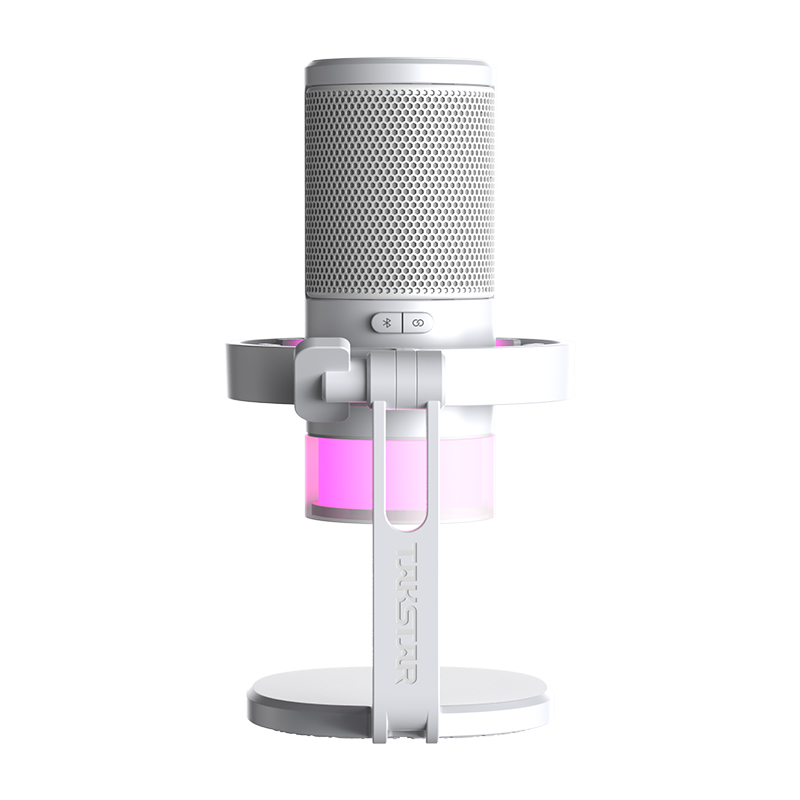
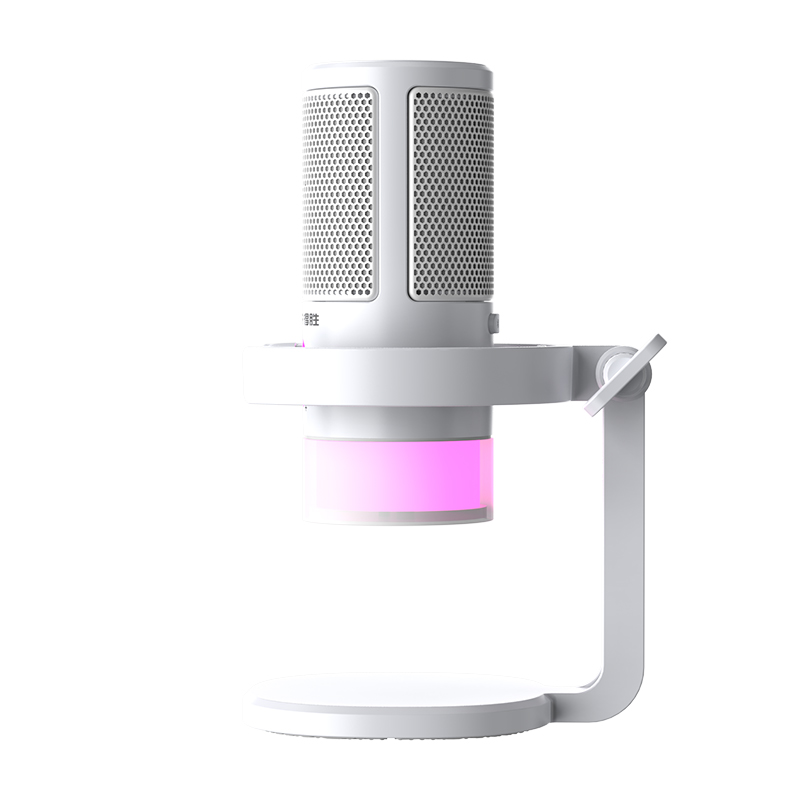
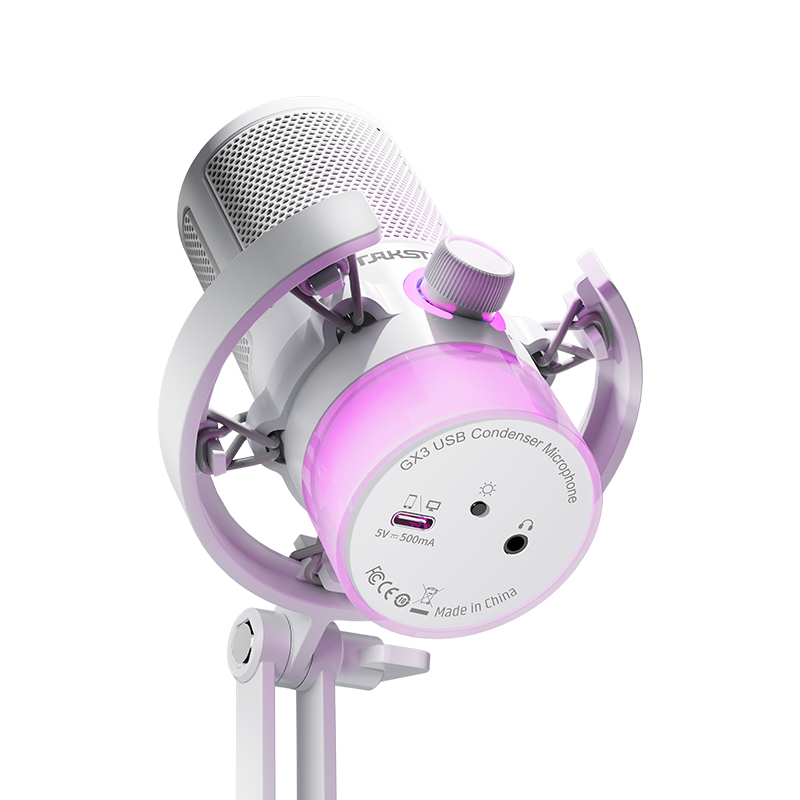
GX3 USB Condenser Microphone
- Cardioid
- Desktop
- Recording
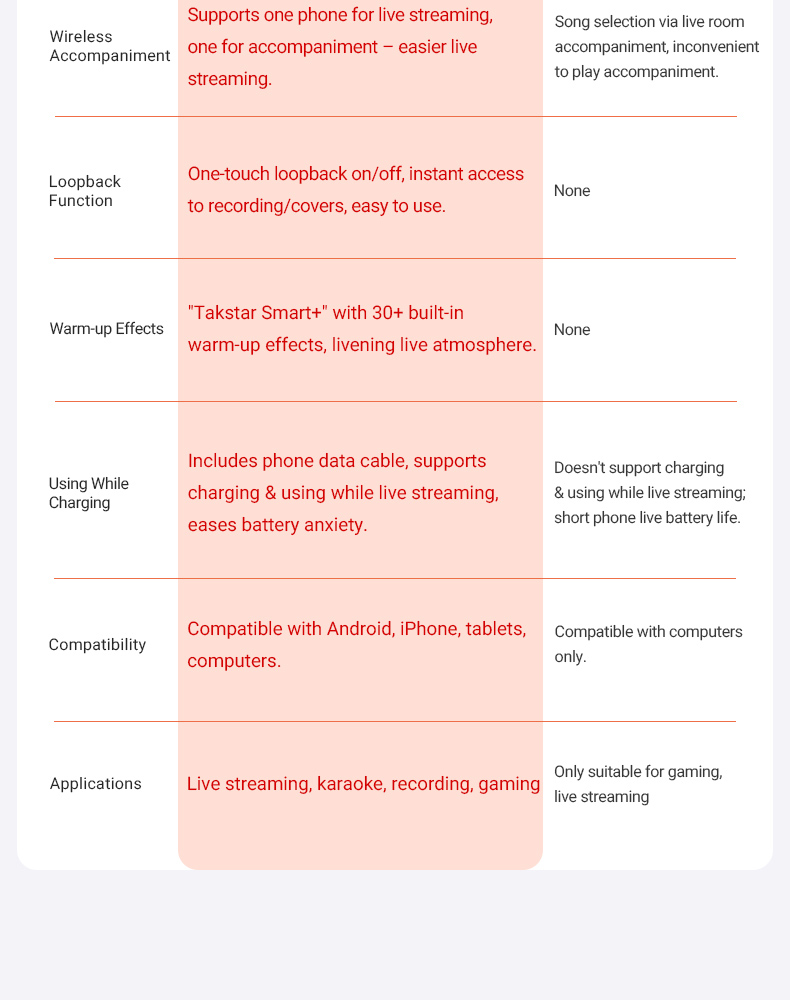
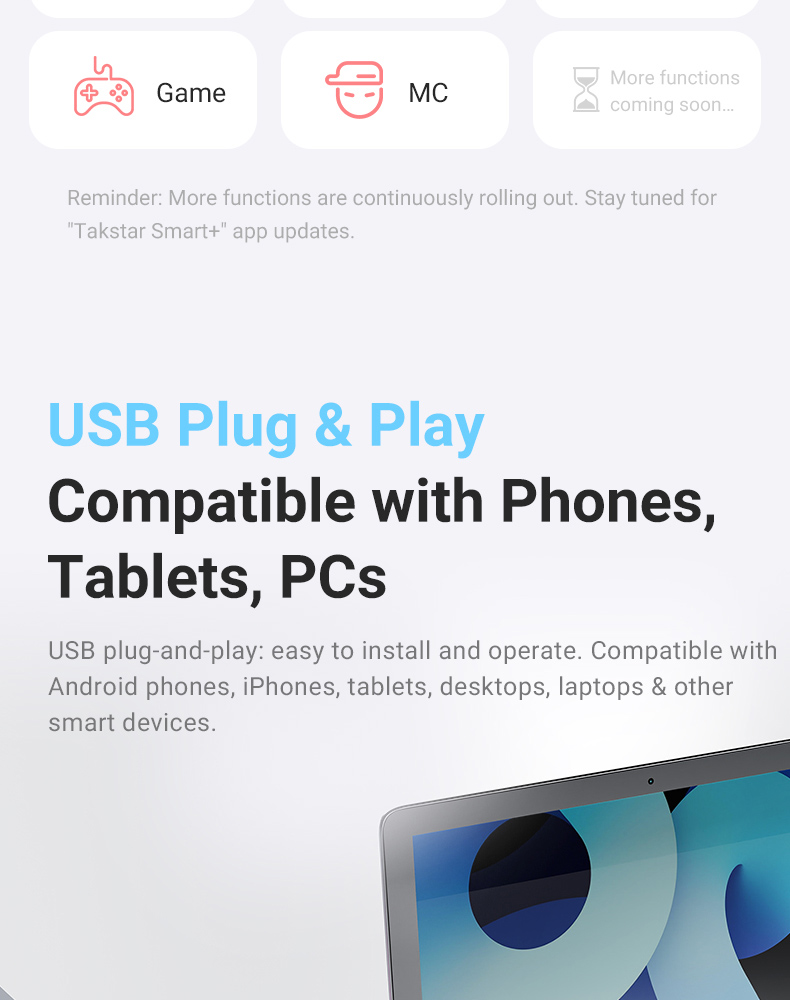
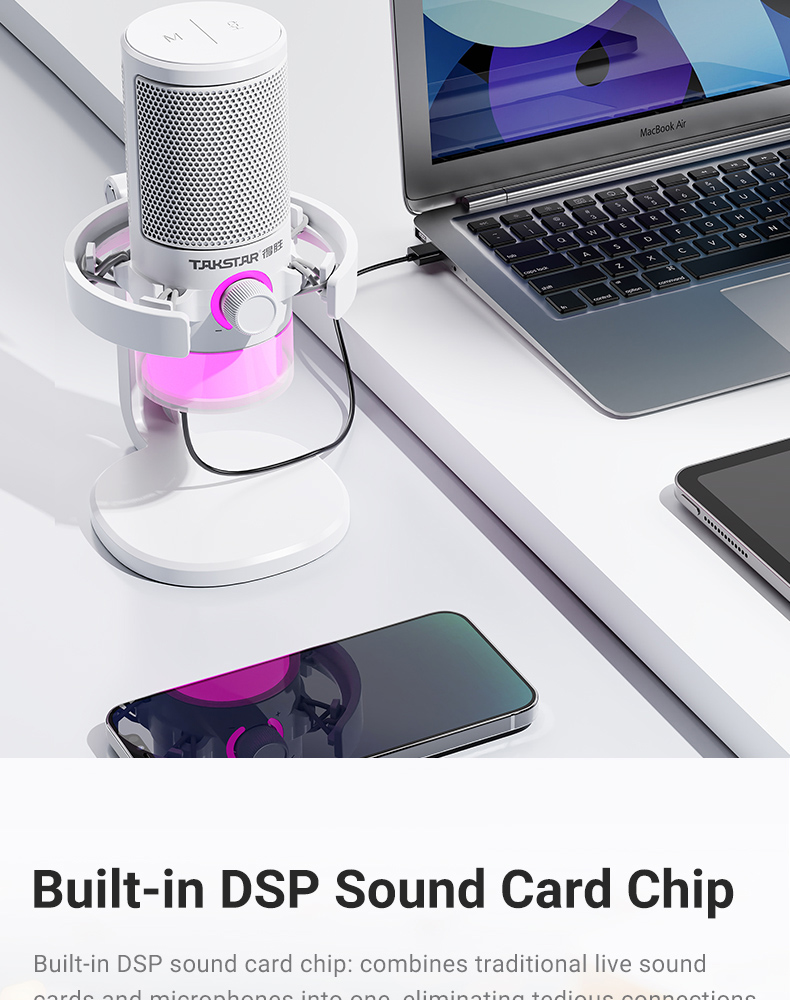
• Type-C uncompressed digital interface with plug-and-play operation, compatible with smartphones, tablets and computers.
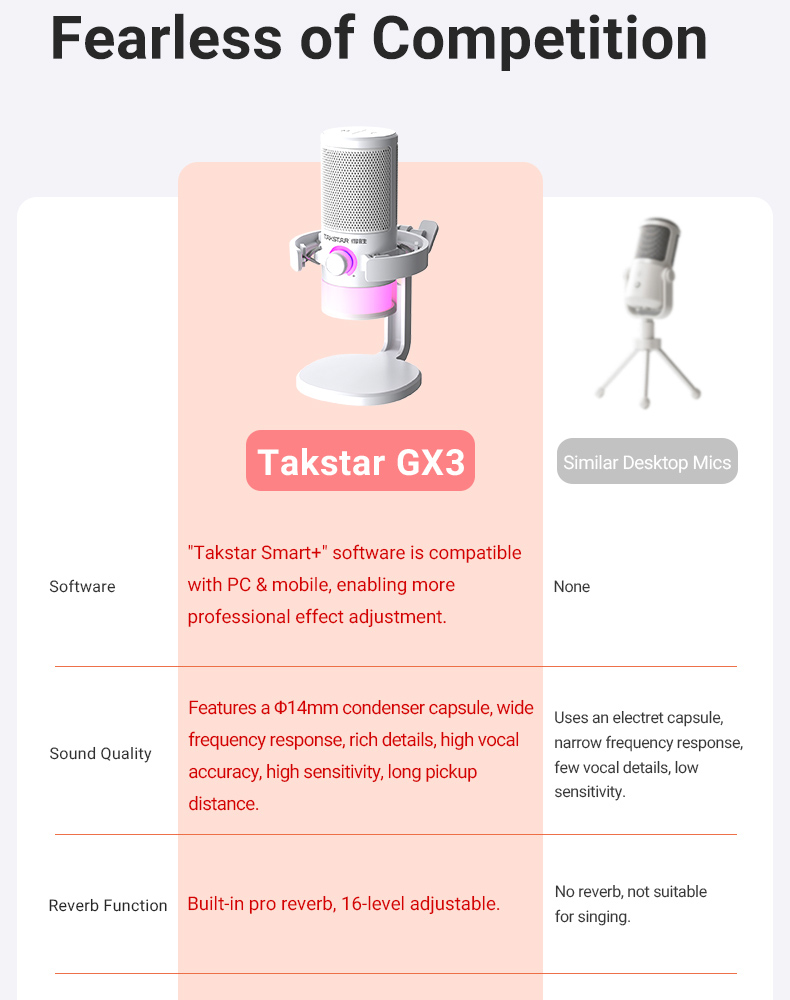
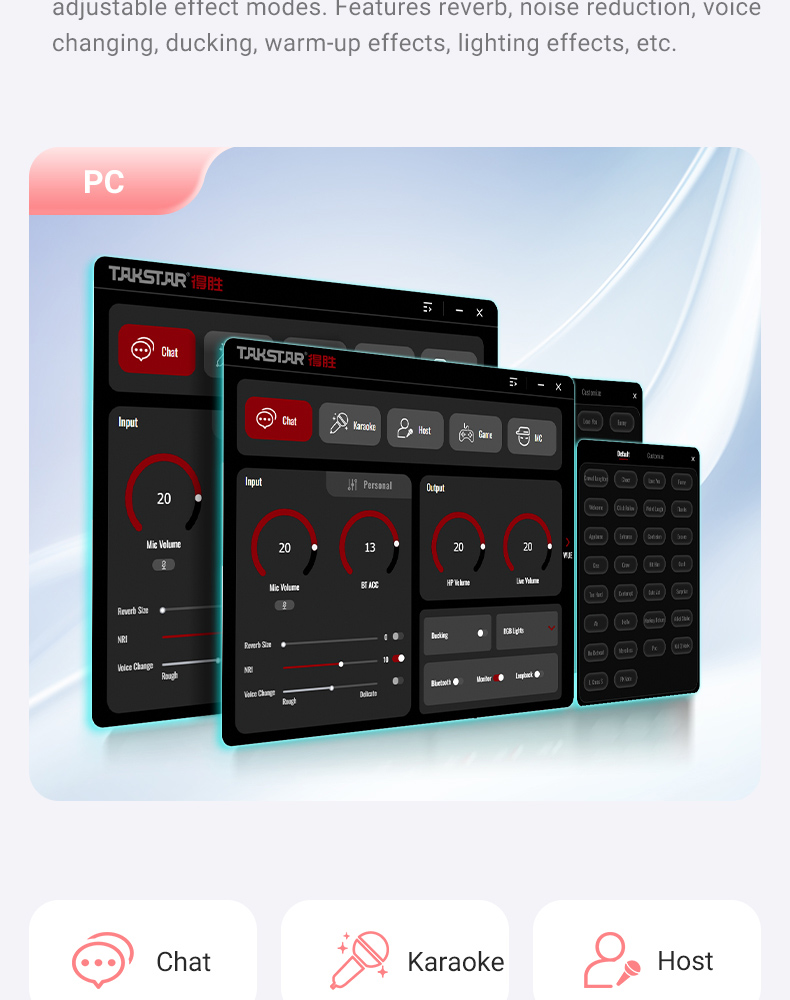
• "Takstar Smart+" software, compatible with both mobile and computer terminals, enabling more professional audio settings.
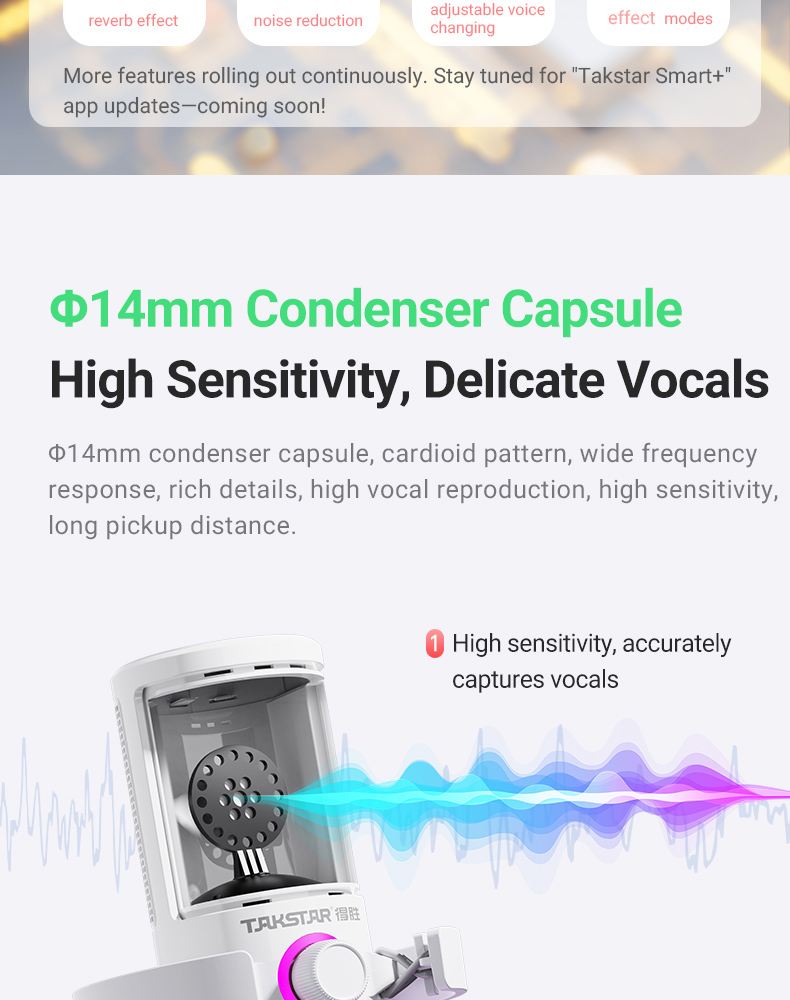
• Equipped with a Φ14mm condenser capsule, featuring high sensitivity for easily capturing delicate sound details.
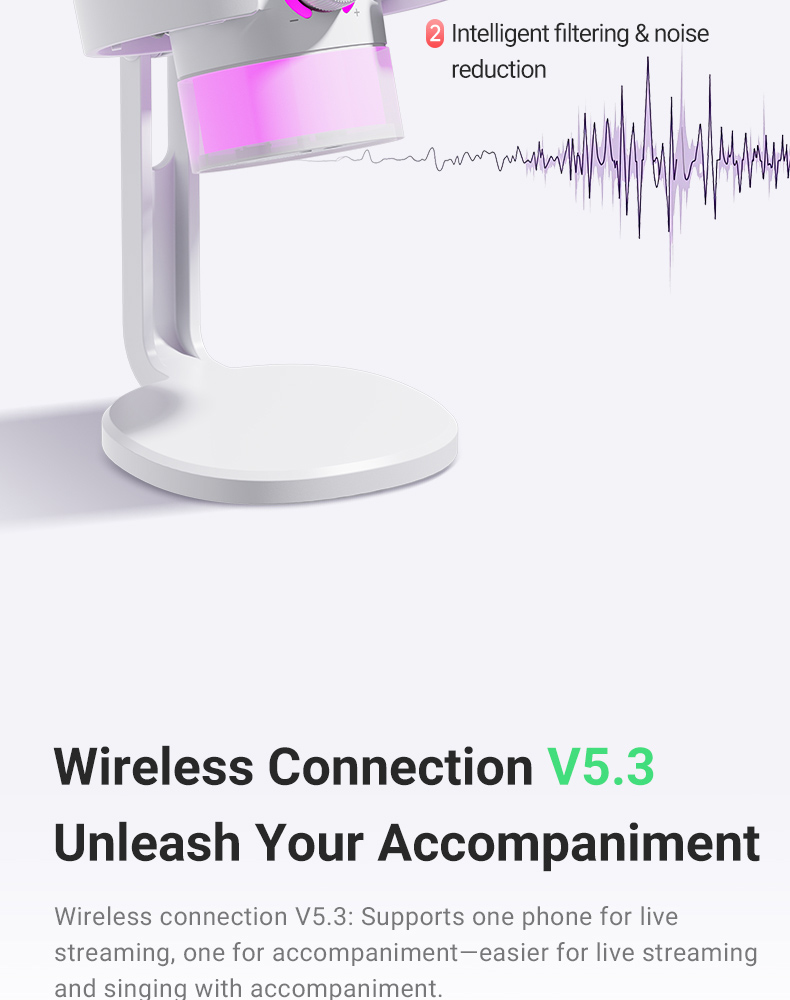
• Built-in DSP sound card chip with professional reverb effects, suitable for scenarios such as live streaming, singing, and recording.
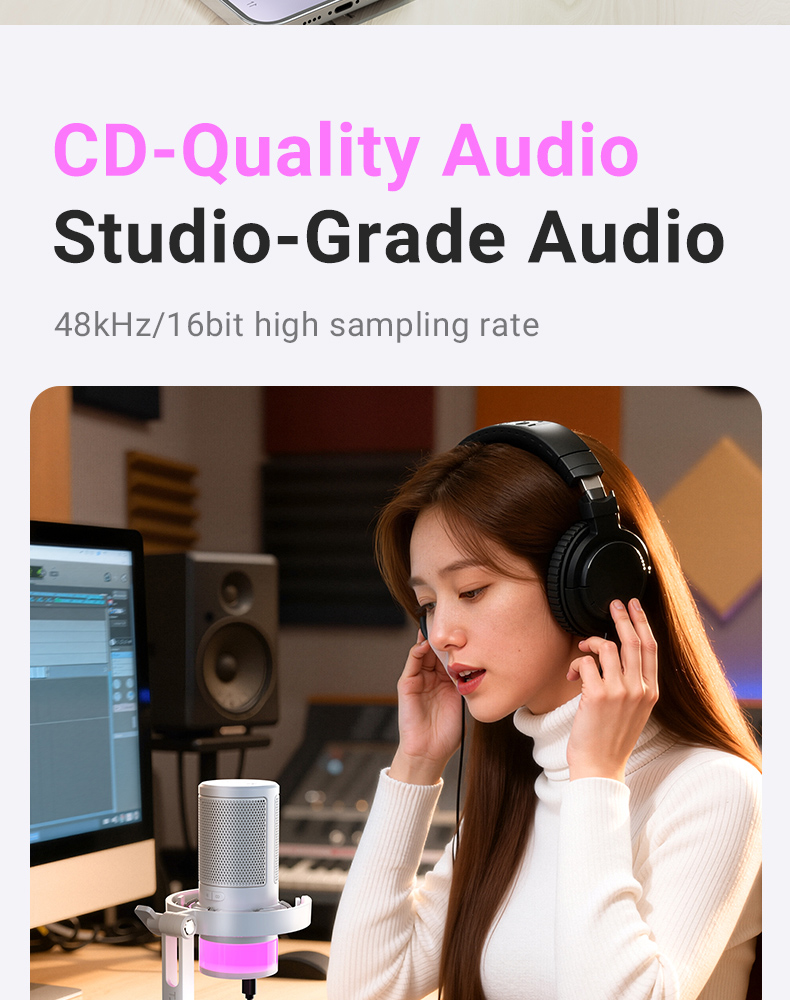
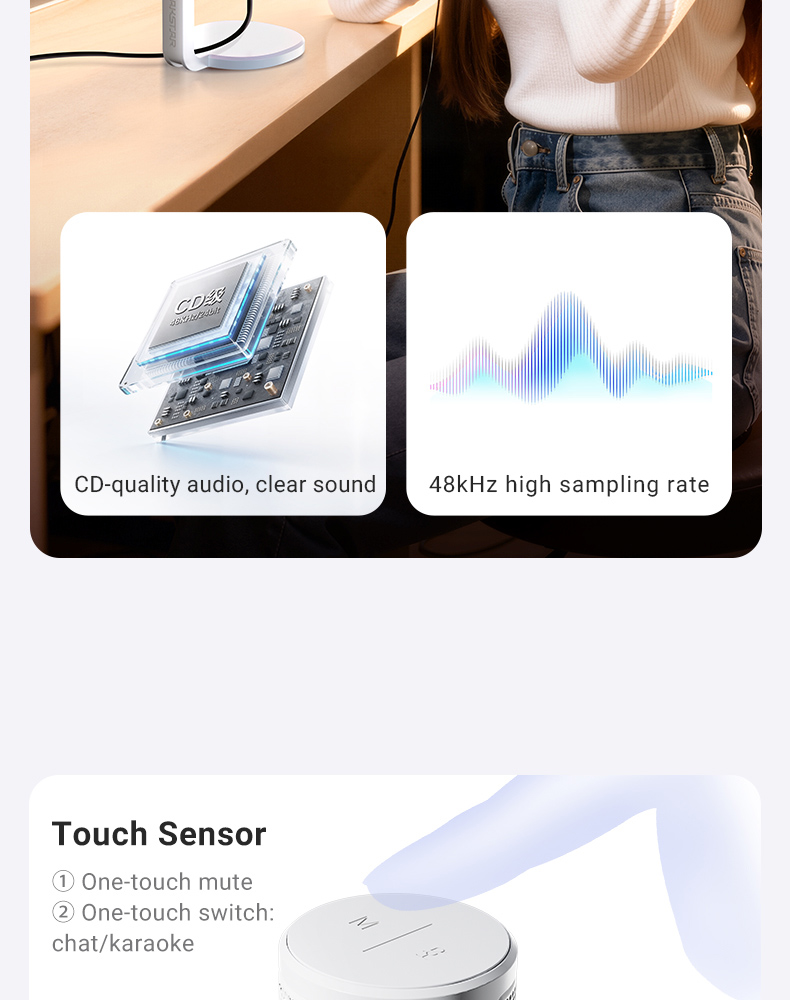
• Supports 48kHz/16bit high sampling rate, resulting in clearer audio recording and playback.
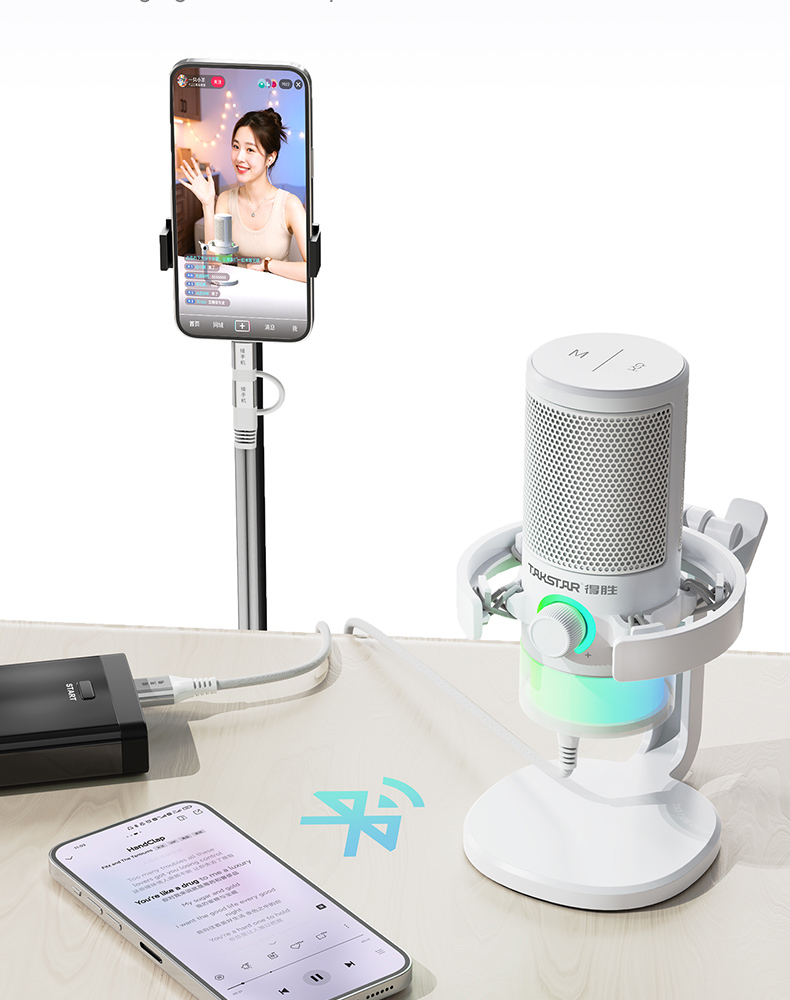
• Built-in wireless playback function, free from cable constraints, providing more freedom for playing accompaniment.
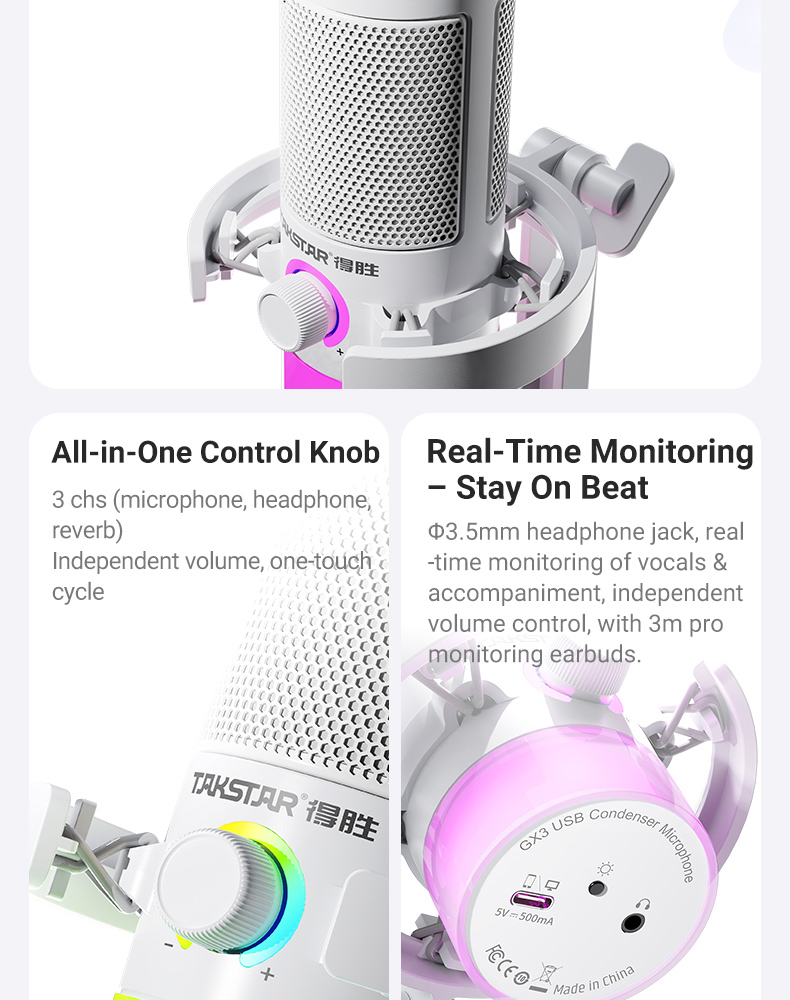
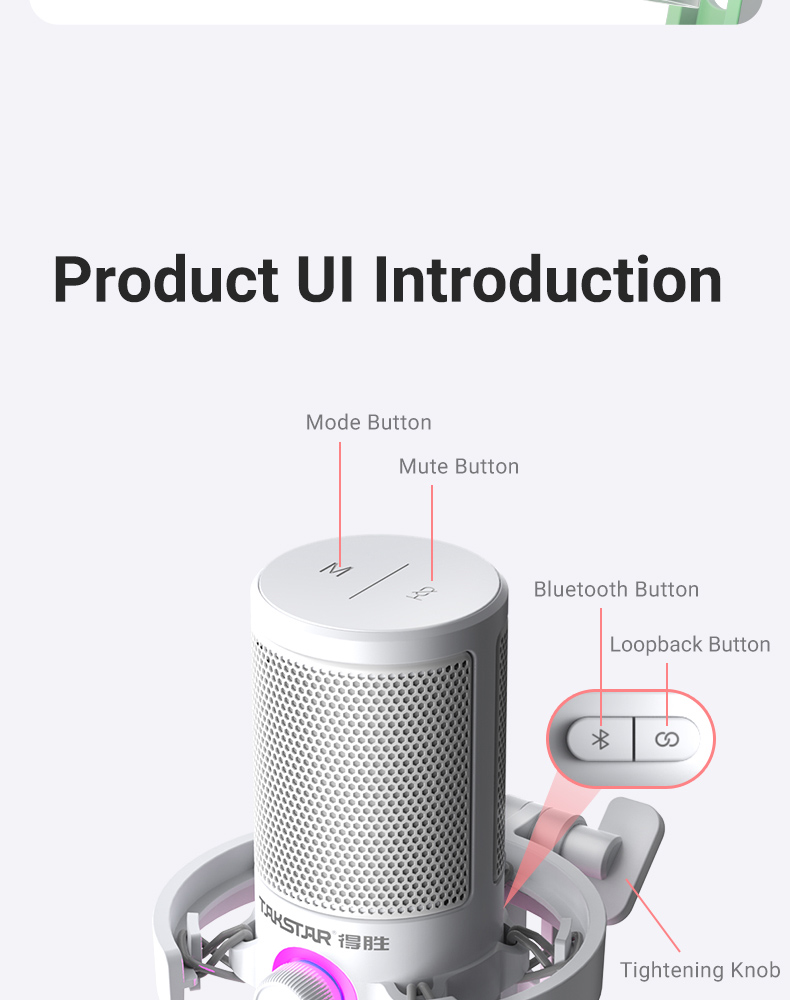
• All-in-one endless encoder knob for convenient adjustment of microphone, headphone and reverb volume.
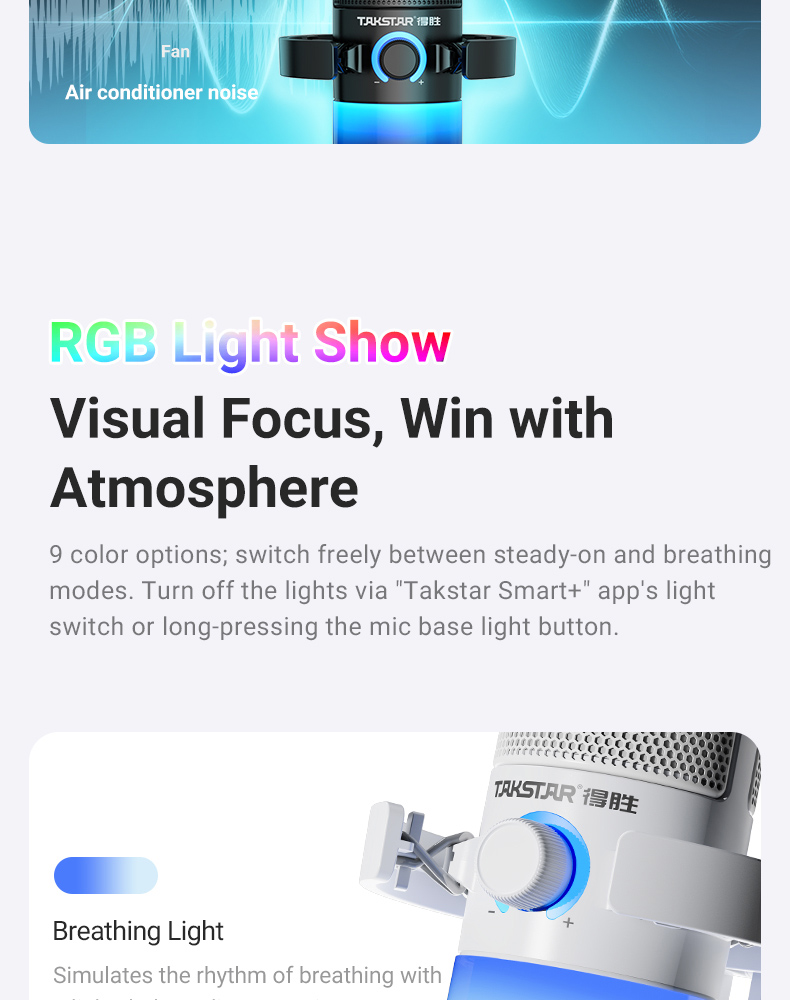
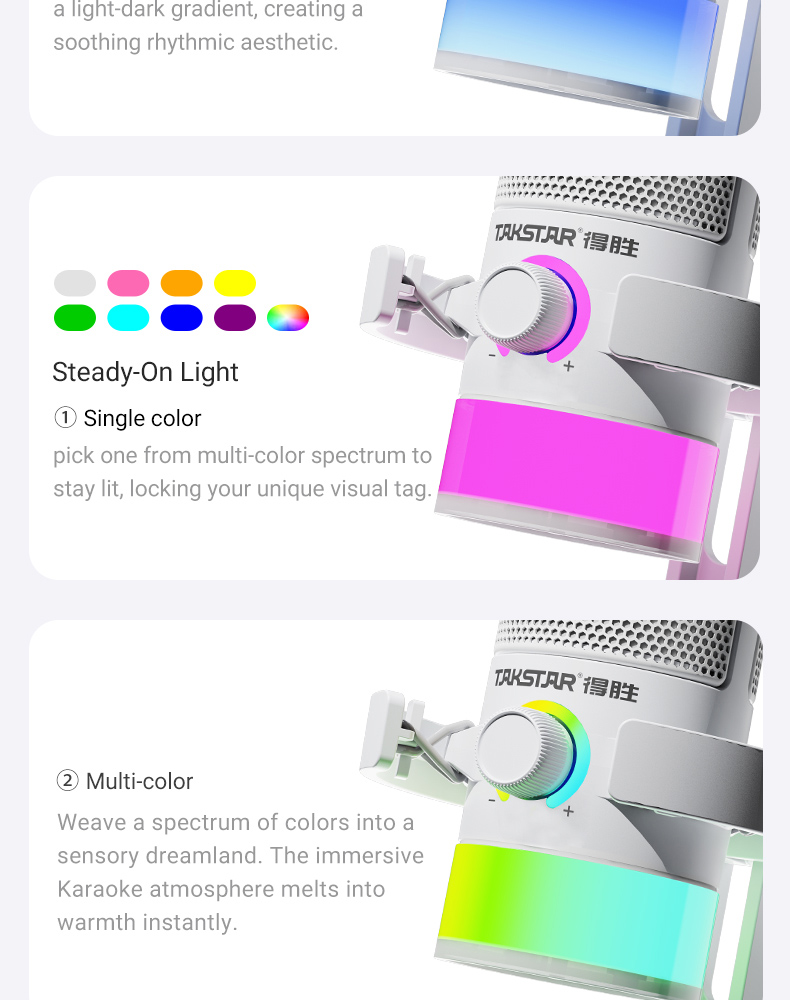
• RGB cool lighting effects with multiple switchable light modes, creating a dreamlike atmosphere.
• "Takstar Smart+" software comes with built-in dozens of warm-up effects, enlivening the live broadcast room atmosphere.
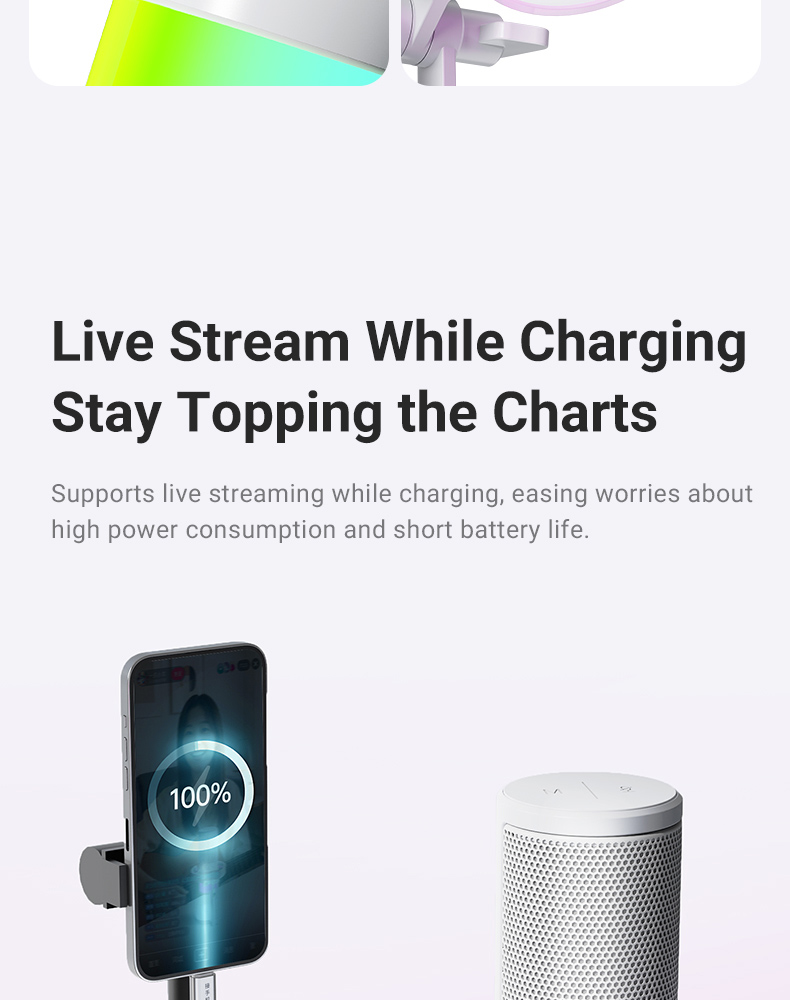
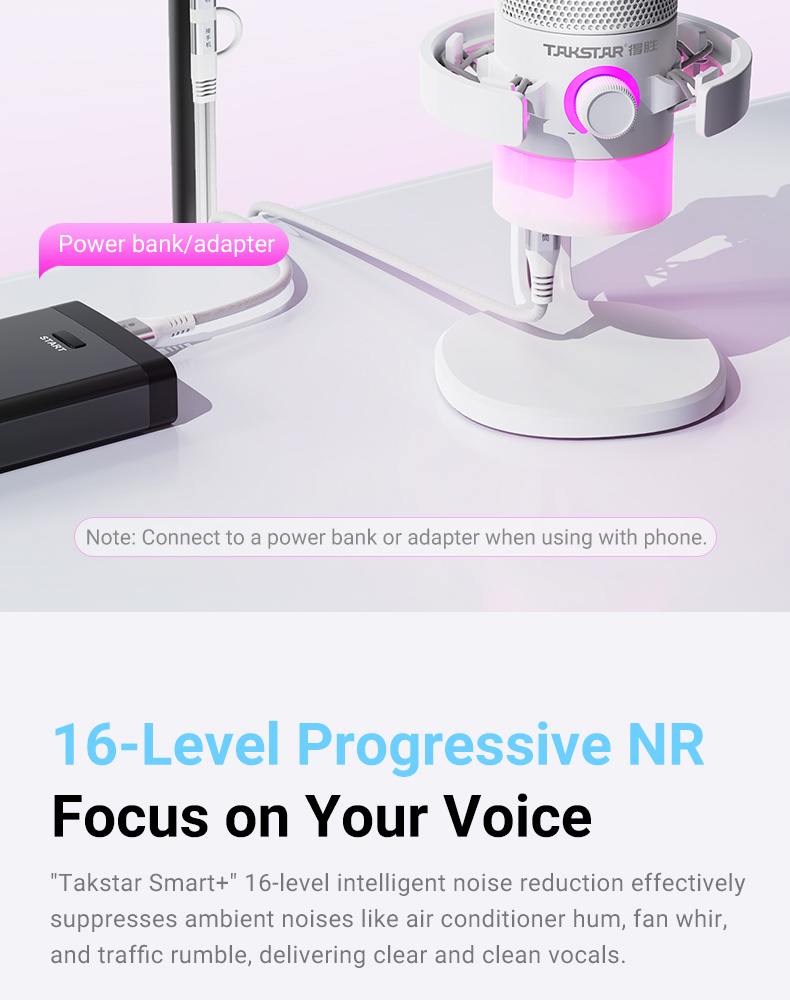
• Includes a mobile phone data cable, supporting simultaneous charging and use of the phone, eliminating worries about battery life during live streaming.
Product Detail
- Product Detail
- Application
- Specification
- Product Content
- Product Tutorial


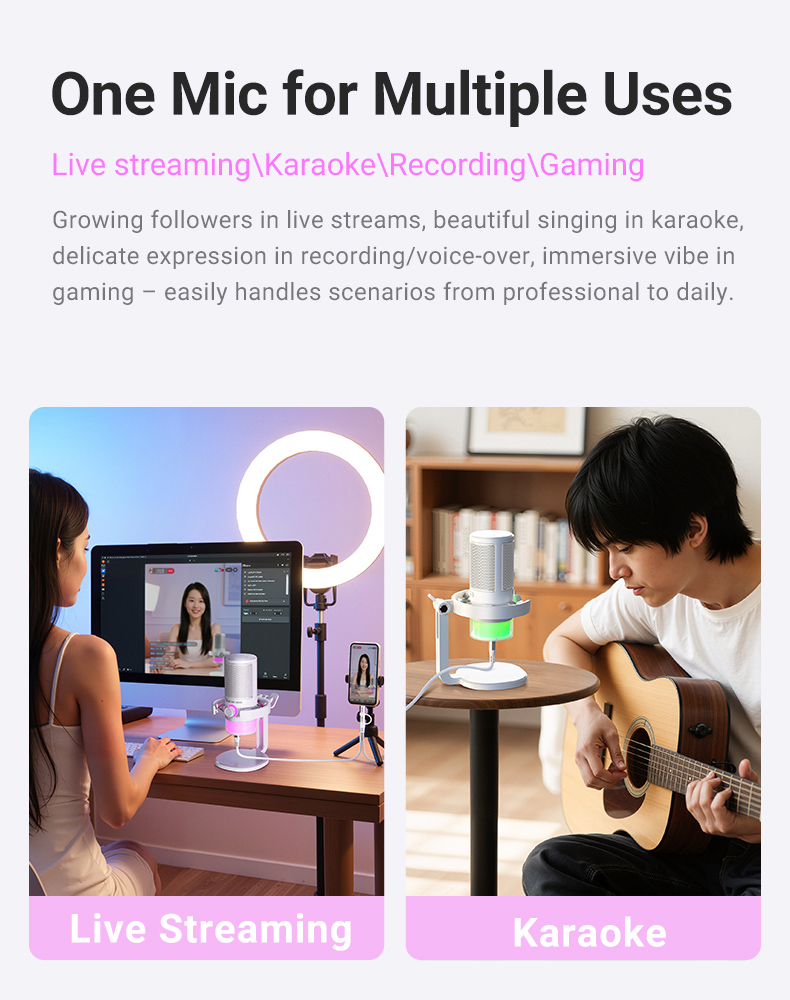
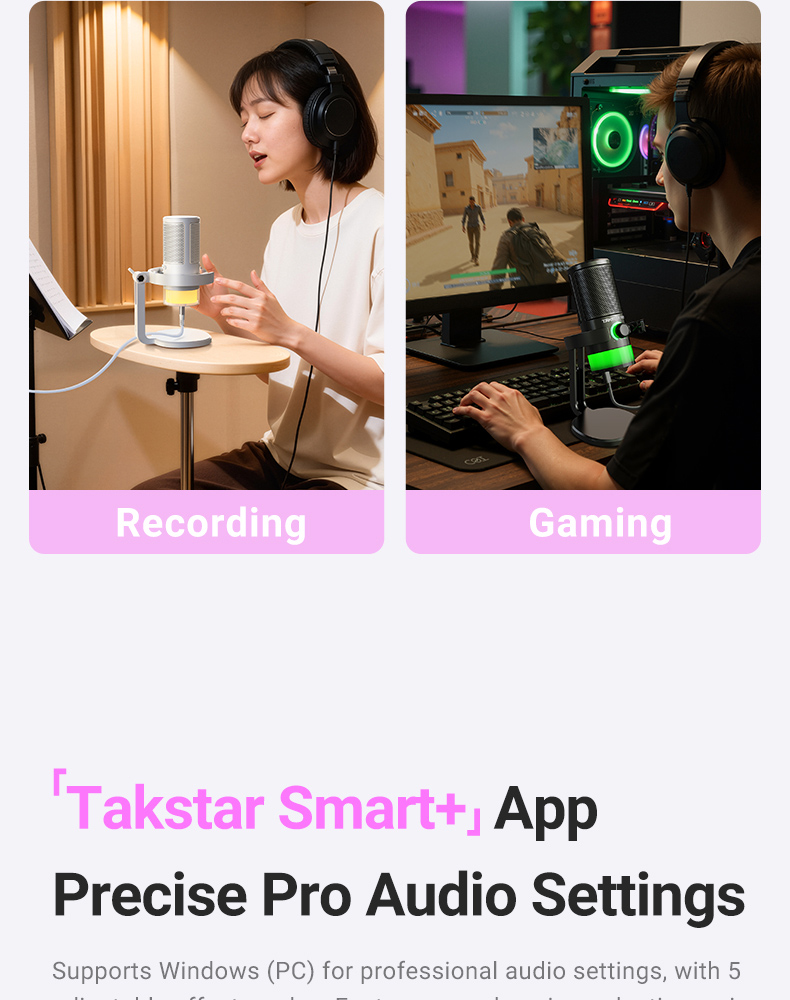

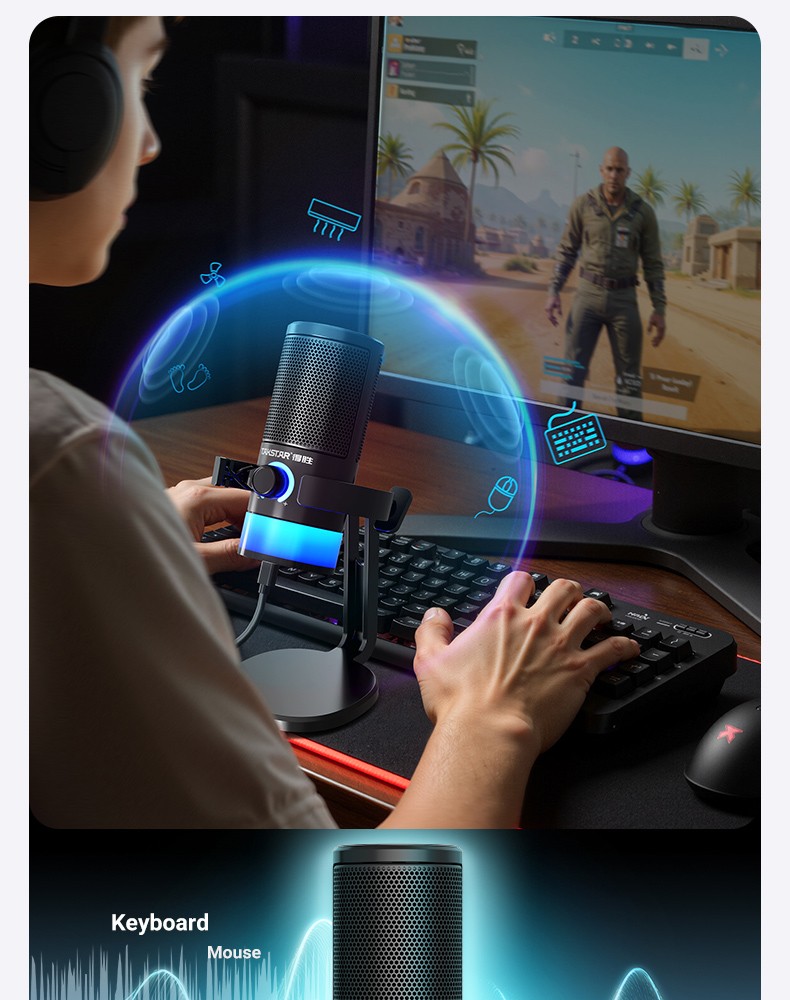
• Suitable for live streaming, singing, song recording, gaming
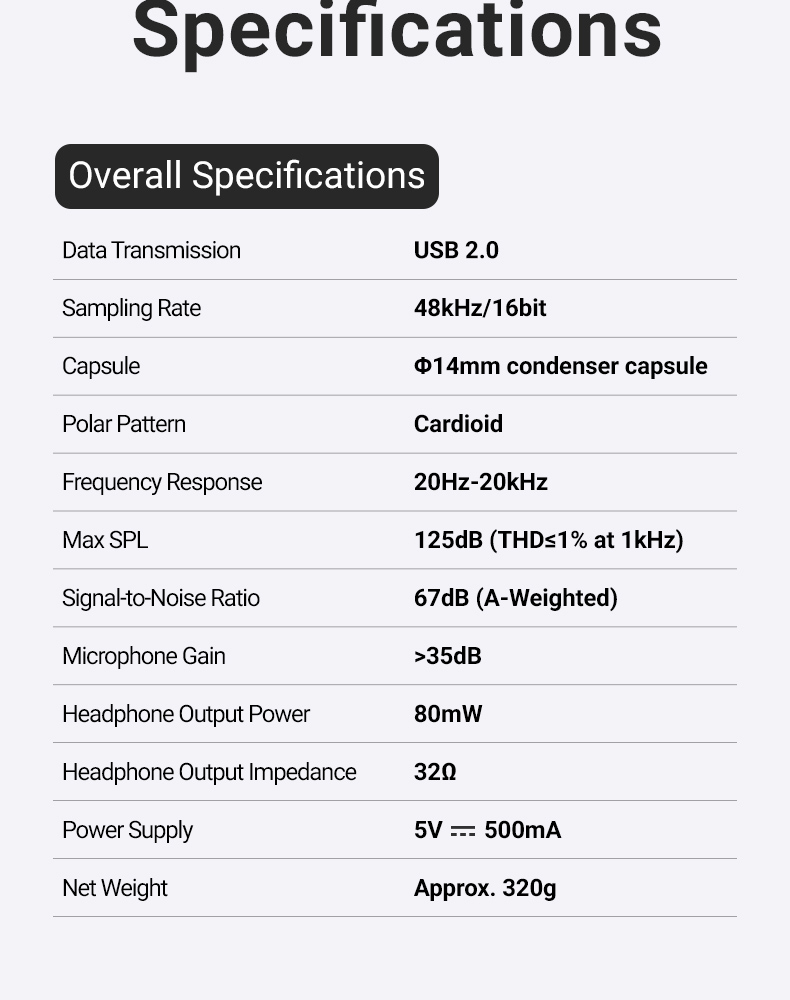
Overall Specifications
• Data Transmission: USB 2.0
• Sampling Rate: 48kHz/16bit
• Capsule: Φ14mm condenser capsule
• Polar Pattern: Cardioid
• Frequency Response: 20Hz-20kHz
• Max SPL: 125dB (THD≤1% at 1kHz)
• Signal-to-Noise Ratio: 67dB (A-Weighted)
• Microphone Gain: >35dB
• Headphone Output Power: 80mW
• Headphone Output Impedance: 32Ω
• Power Supply: 5V⎓500mA
• Net Weight: Approx. 320g

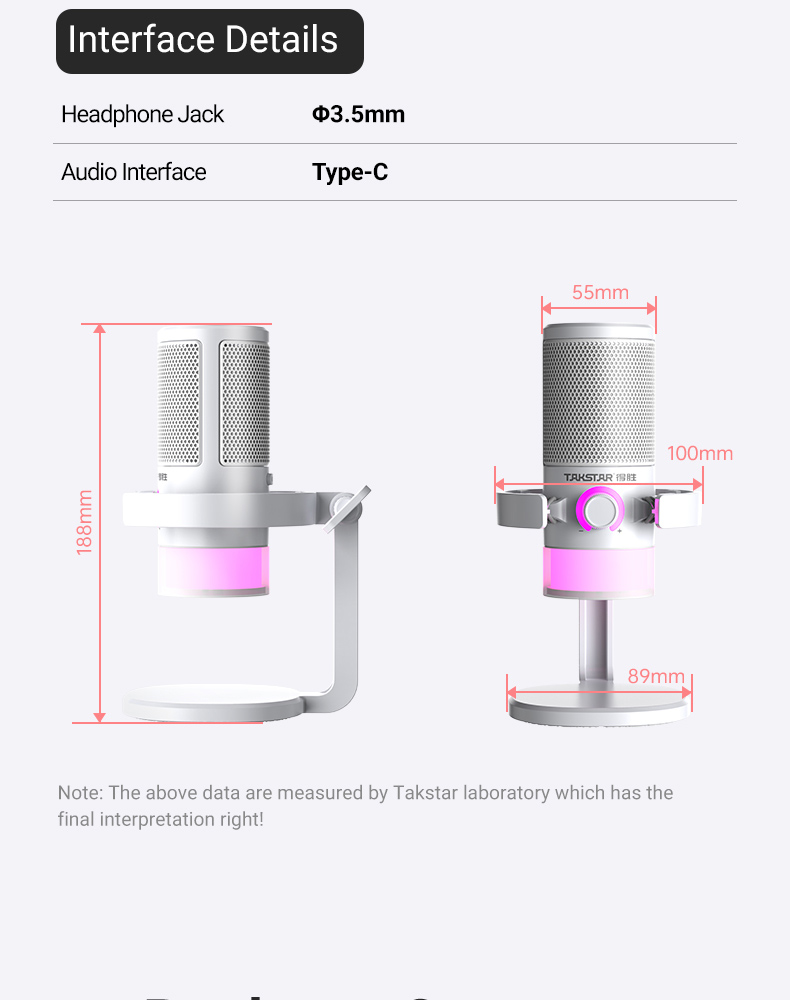
Interface Details
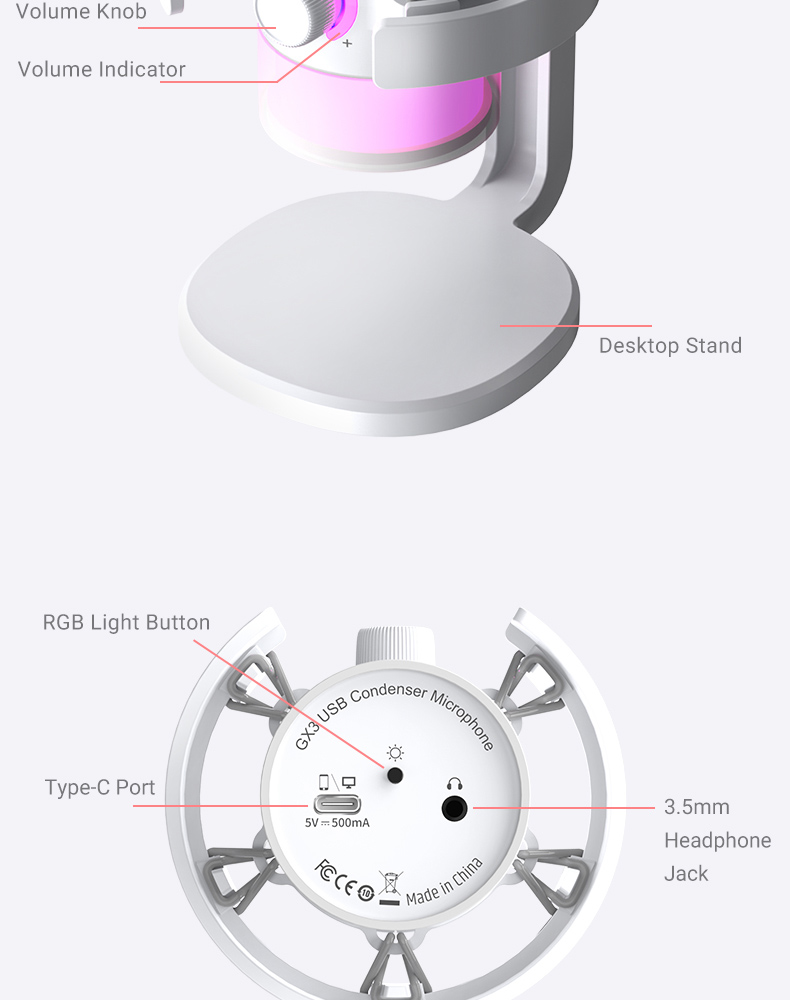
• Headphone Jack: Φ3.5mm
• Audio Interface: Type-C

Note: The above data are measured by Takstar laboratory which has the final interpretation right!
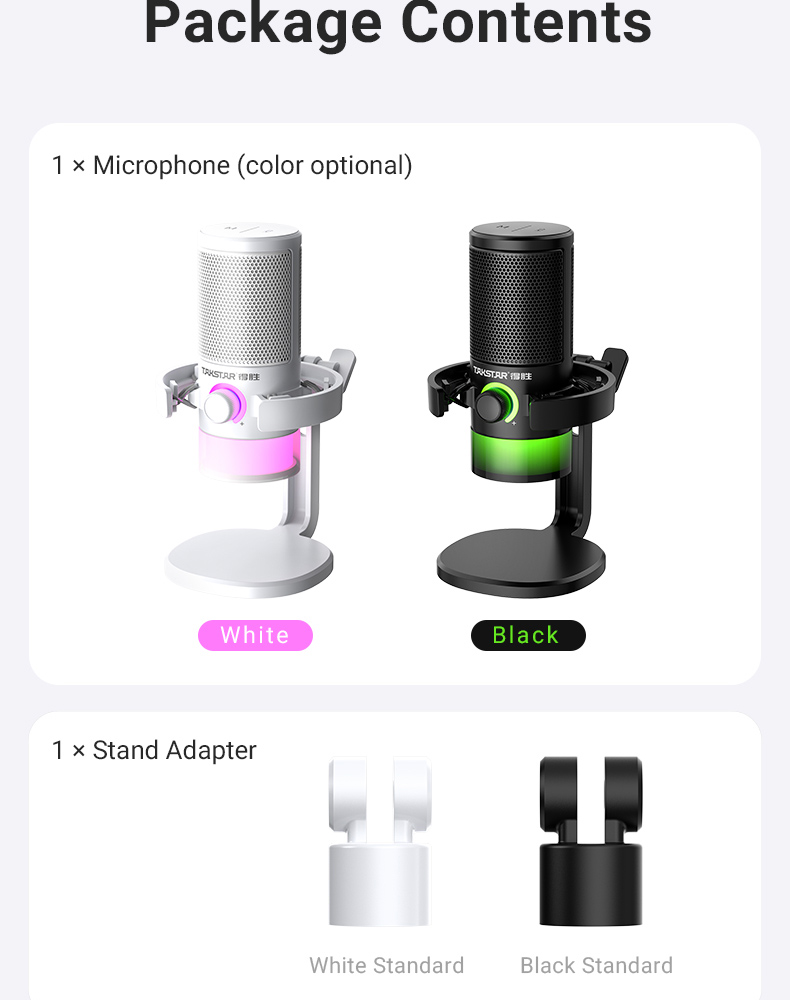
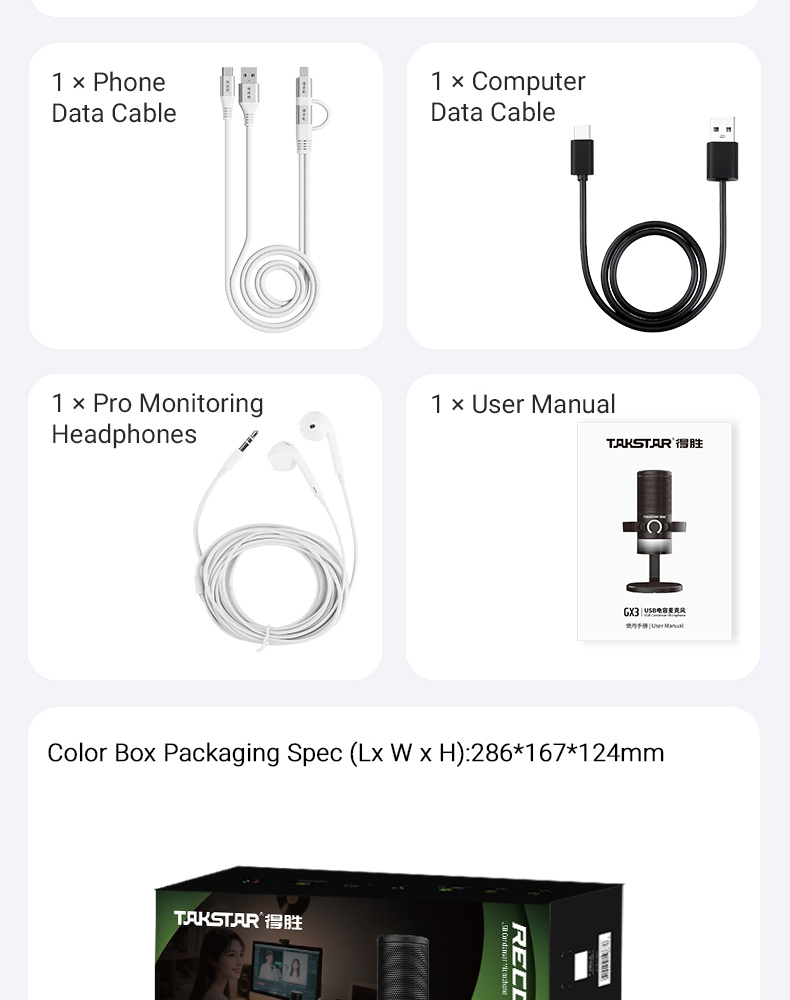
| • GX3 Microphone | 1 PC |
| • Headphones | 1 PC |
| • Phone Data Cable | 1 PC |
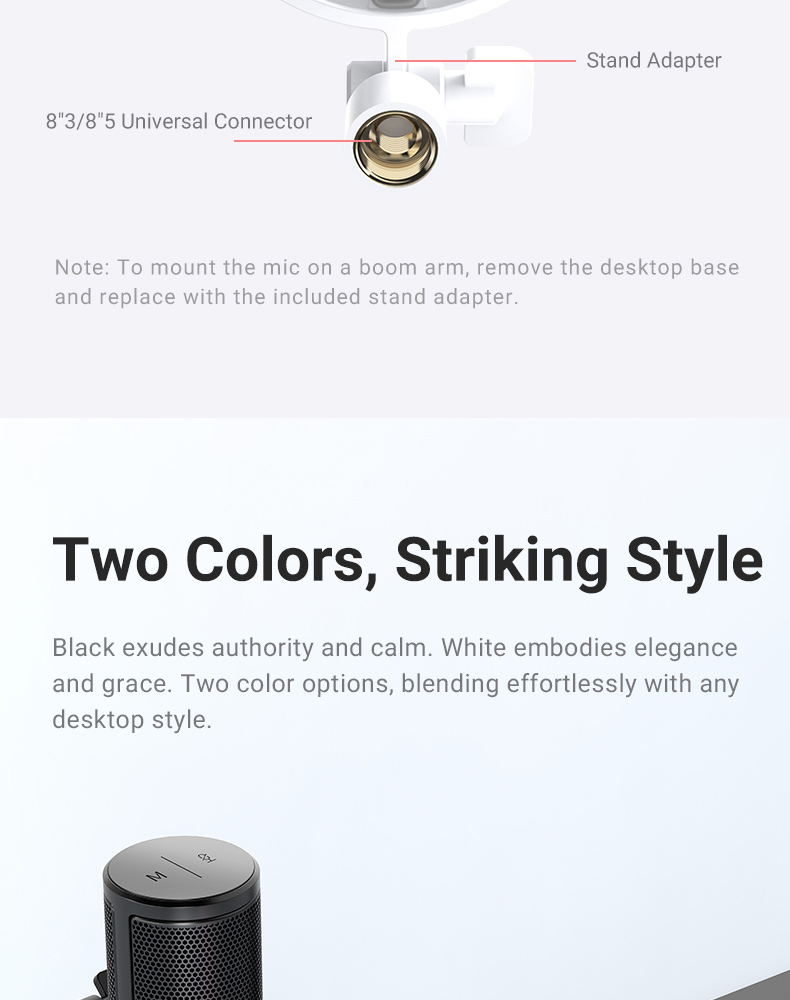
| • Stand Adapter | 1 PC |
| • Computer Data Cable | 1 PC |
| • User Manual | 1 PC |
 Video Tutorials

 Mini Program Loading & Connection Guide
 Unboxing Video
Function Introduction
PC Software Installation Guide Function Area lntroduction
Phone/Computer Connection Guide
Unboxing Video
Function Introduction
PC Software Installation Guide Function Area lntroduction
Phone/Computer Connection Guide
 User manual
 Driver software
GX3

Related Products